CANMELEON PLATFORM · COMPATIBLE HARDWARE
One device platform, multiple CAN ecosystems
Choose CANmeleon firmware for your software workflow, or browse SysMax hardware designed for compatible replacement and flexible deployment.
FIRMWARE CATALOG
CANmeleon Firmware
Install and switch firmware through CANmeleon device manager. Each firmware option connects supported hardware to a familiar driver, toolchain and API ecosystem.
GS USB
Connect to Windows EcuBus-Pro and Linux SocketCAN. Find software resources and CAN / CAN FD setup guidance.
PCANFD / PRO
For the PCAN CAN FD ecosystem, including CAN FD traffic, DBC workflows and PCAN-Basic development.
Kvaser FD Pro 4xHS
Connects to the Kvaser CAN FD toolchain through CanKing and CANlib-compatible workflows.
Vector VN1610
A VN1610-compatible profile for Vector Driver, CANoe, CANalyzer and vxlapi workflows.
ETAS ES582
For ETAS INCA workflows, including XCP/CCP calibration and diagnostics with CAN FD support.
ZLG USBCANFD-200U/400U
Compatible with the ZLG CAN/CAN FD ecosystem, including ZCANPRO, ZXDoc, CANtest and the ZLG API.
ZLG USBCAN-II
Emulates the classic dual-channel ZLG USB-CAN device for CAN 2.0 workflows using ZCANPRO, CANtest, ControlCAN, and the ZLG API.
ZLG USBCAN-2E-U
Emulates the enhanced dual-channel ZLG USB-CAN device for CAN 2.0 projects using ZCANPRO, CANtest, ControlCAN, and the ZLG API.
CANalyst-Ⅱ
A dual-channel CAN 2.0 profile for USB-CAN Tool and ControlCAN API workflows.
PCAN-USB
For CAN 2.0 projects using PCAN drivers, PCAN-View and the PCAN-Basic API workflow.
Kvaser Leaf
Runs in a Kvaser Leaf compatible mode for CanKing, CANlib and classic CAN projects.
HARDWARE PRODUCTS
Compatible Hardware
Current CAN, CAN FD and LIN interfaces for PCAN and Vector-compatible workflows. Open a card for specifications, software support and setup instructions.
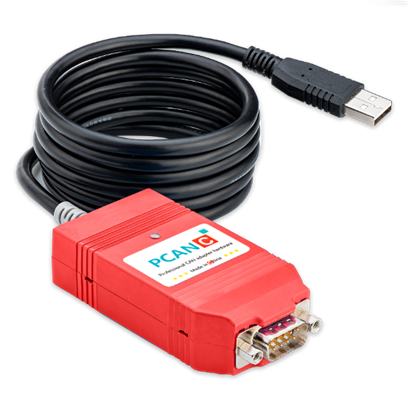
PCAN-C-USB
Single-channel USB-CAN adapter for PCAN-compatible classic CAN applications.
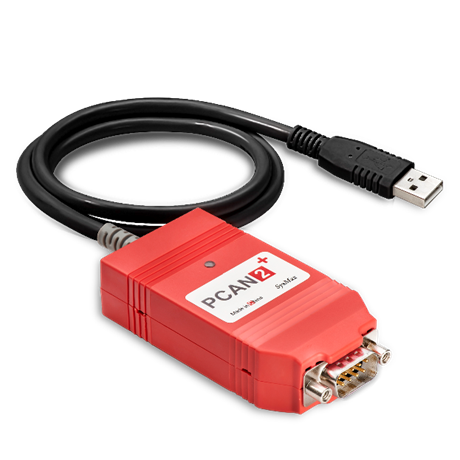
PCAN2-Plus
PCAN-compatible classic CAN USB interface for existing PCAN software and API workflows.
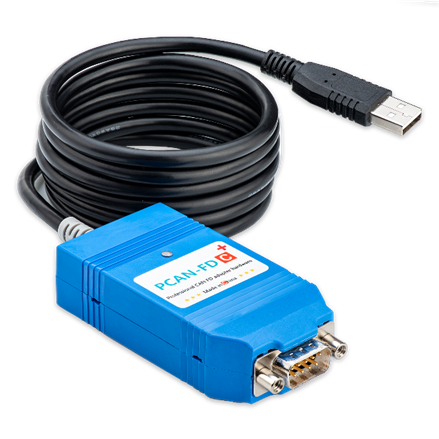
PCAN-FD+ / PCAN-FDC+
Single-channel USB CAN FD series with PCAN FD software compatibility and controllable termination.
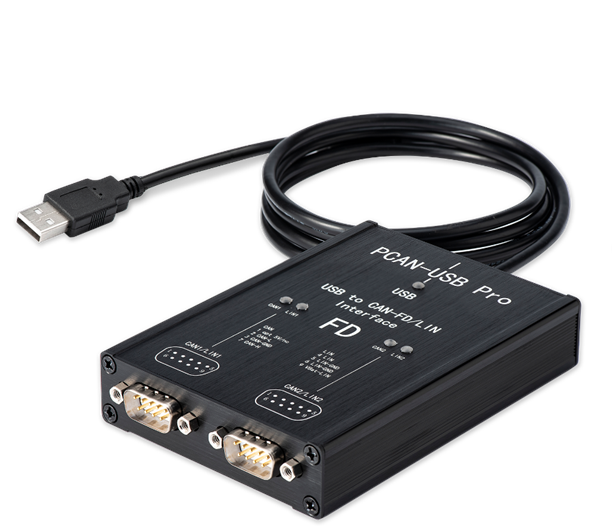
PCAN-Pro FD
Dual-channel CAN FD compatible interface with 8 Mbit/s and 12 Mbit/s configurations.
PCANFD PRO LIN
Combines two CAN FD channels with two LIN channels for mixed automotive network testing.
PLIN
USB-LIN interface compatible with the PLIN protocol and API, supporting LIN 1.3 through LIN 2.2.
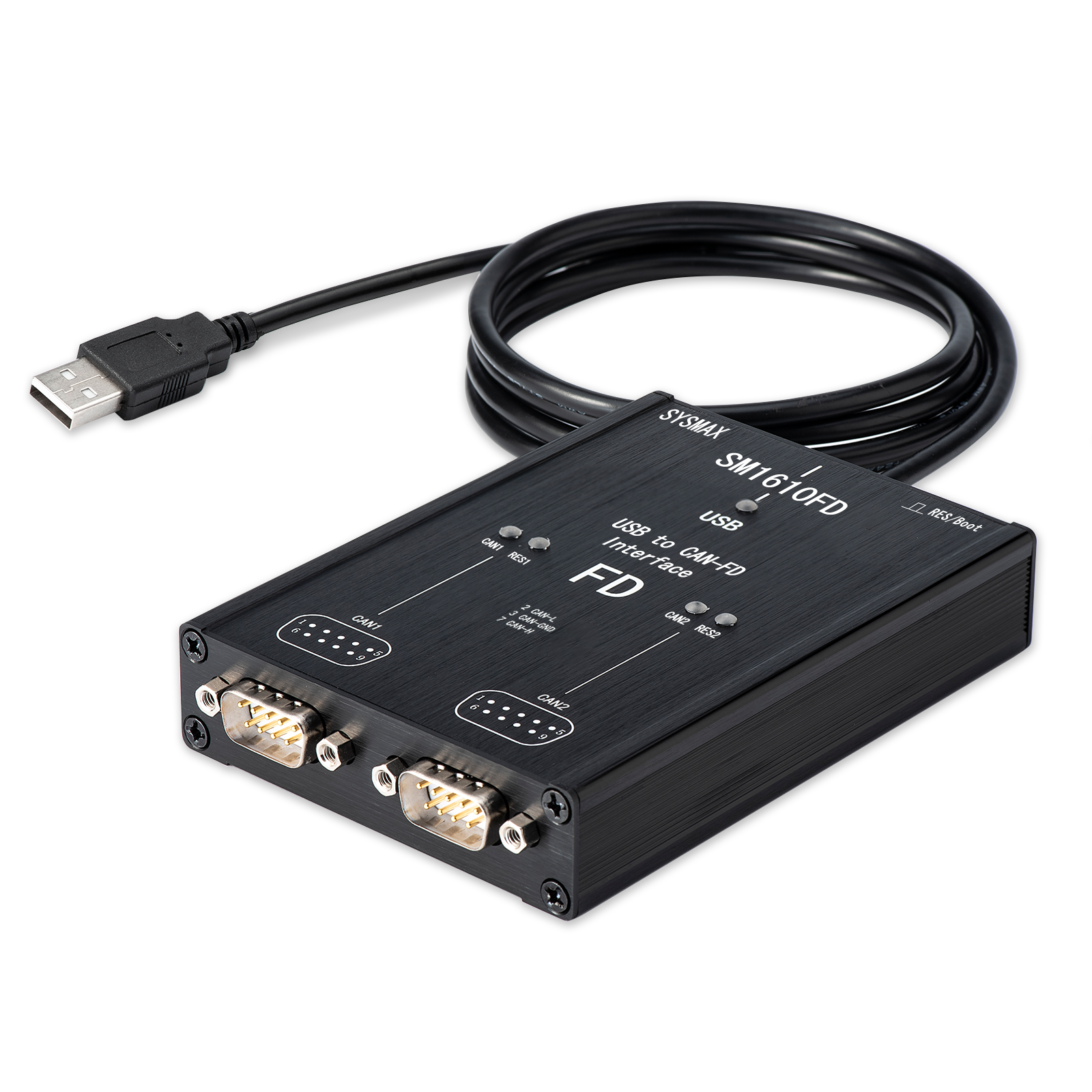
SM1610
Native Vector-driver dual-channel CAN FD hardware for CANoe, CANalyzer and CANape.
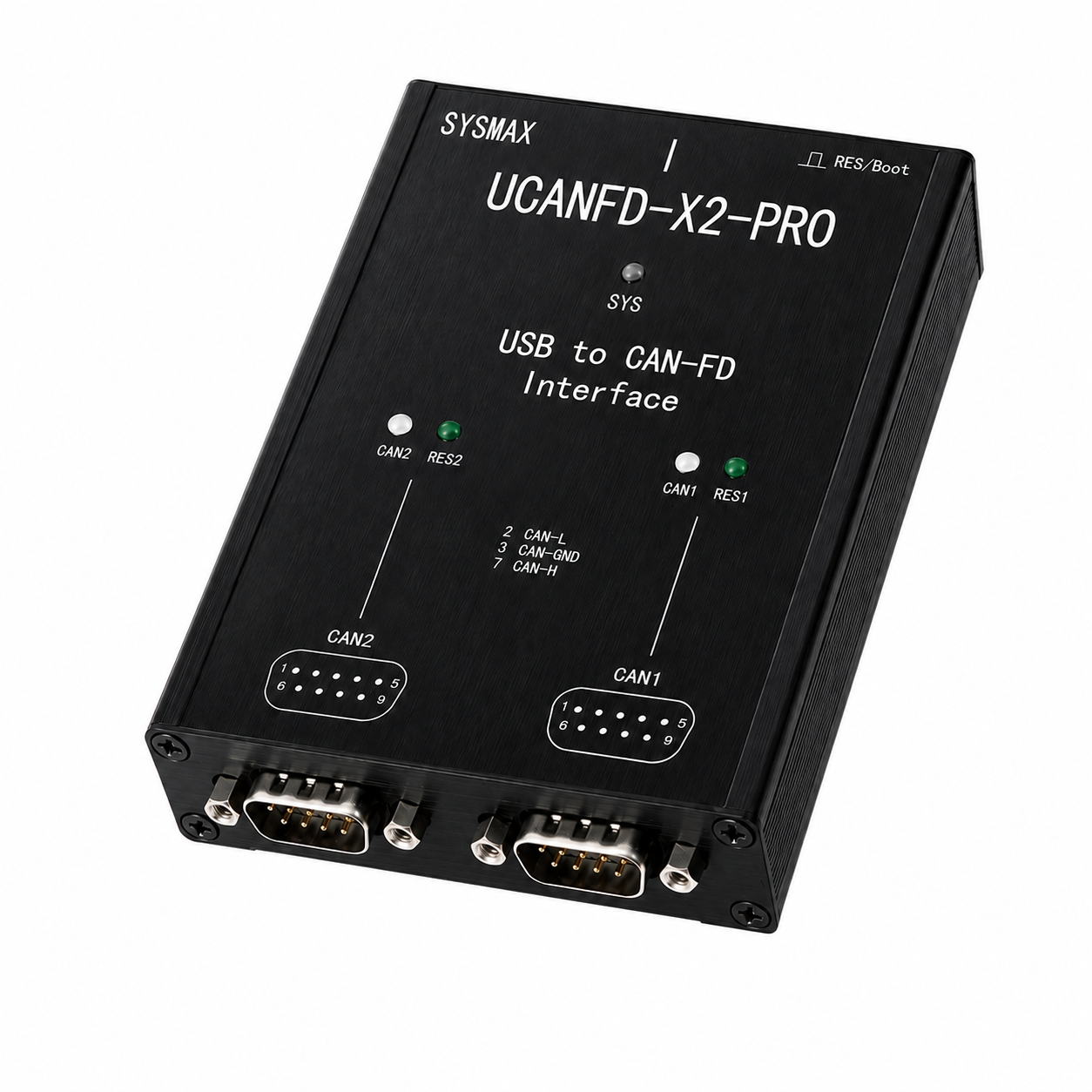
UCANFD-X2-PRO
Dual-channel USB CAN FD adapter supporting both PCAN and Vector ecosystems on one device.
CONTACT & PURCHASE
Stay connected with SysMax
Find sales and support contacts, follow the SysMax WeChat account, or visit the SysMax Taobao store.
Contact SysMax
Choose the appropriate WeChat contact for your request.
WeChat account
Scan with WeChat for product updates and technical content.

Taobao store
Scan the QR code or open the store directly.
Visit Taobao