PCAN-Explorer
Supports DBC tool debugging. Provides DM motor reference projects for quick user implementation.
Installation
PCAN-Explorer download is not provided here. Please download and install it yourself.
Usage Guide
For instructions on how to connect devices and send/receive messages with PCAN-Explorer, please refer to: https://blog.csdn.net/qq_43011586/article/details/141634704
DM Motor Reference Project Tutorial
Introduction
Provides DM motor PCAN-Explorer reference project and DBC files for quick debugging of DM motors using PCAN-Explorer. 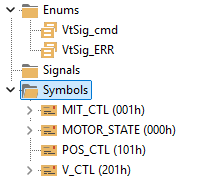
Git repository: https://gitee.com/ChengDu-KunHong/KH-UCANFD-motor-demo/tree/master/DBC
Usage
Import Project
Run PCAN-Explorer, select "Open", then choose "DM_Motor_PRJ.peproj". 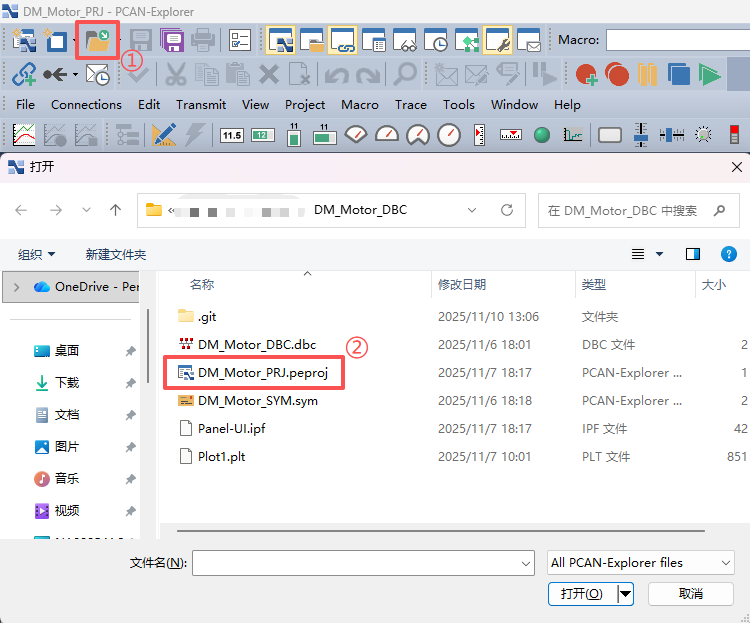
Run Project
The project uses CAN1 channel by default. Channel enable/disable method: 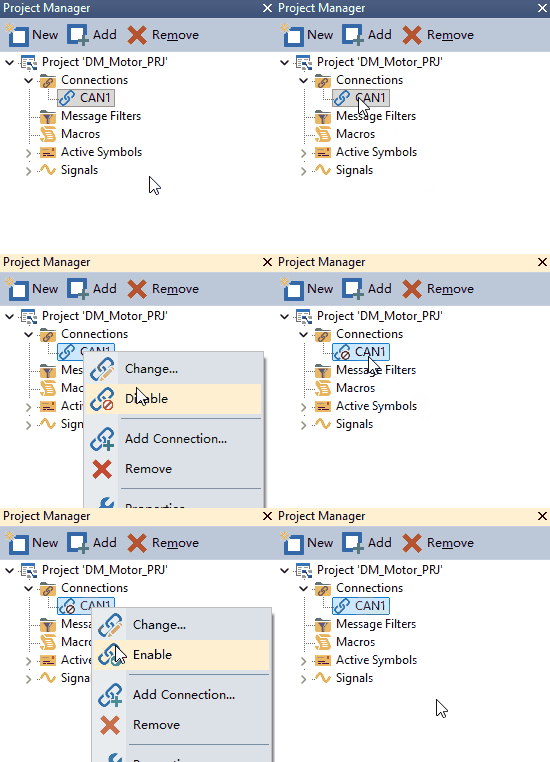
After the channel is started, select Draw or Run UI in the UI interface. 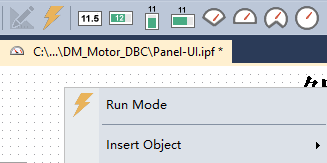 With both channel and UI started, you can use the UI interface to control the motor.
Debug Tools
- Button area: control enable, disable, error clear, position reset
- Control panel: top-left corner displays device disable status, adjust MIT parameters via sliders, right side shows specific MIT parameter values
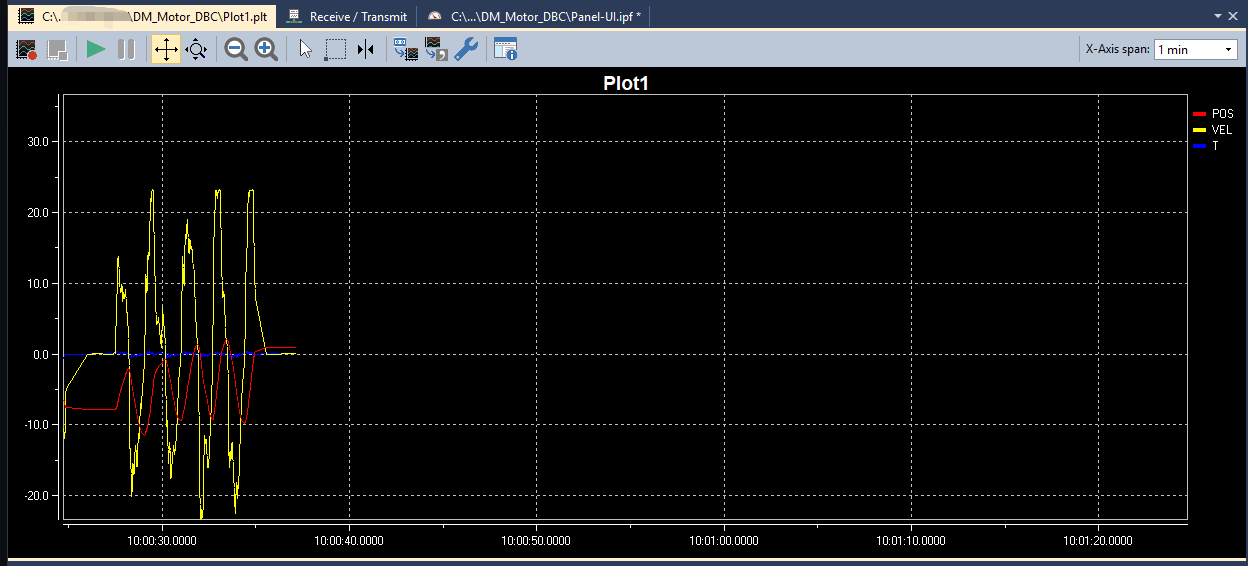
- Dashboard and status curve: display motor running status
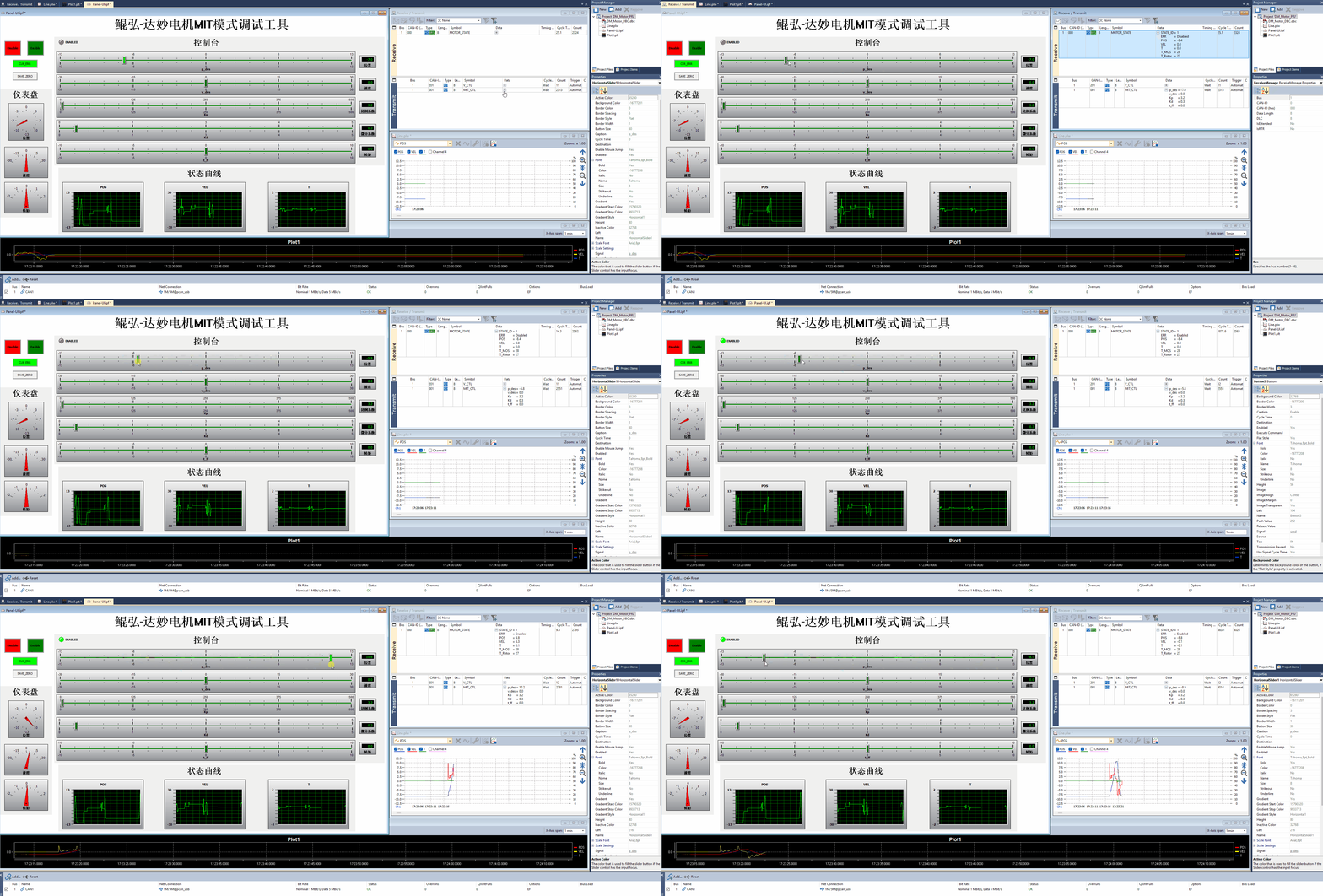
Status Monitoring
Click the boxed icon to open the send/receive message window. 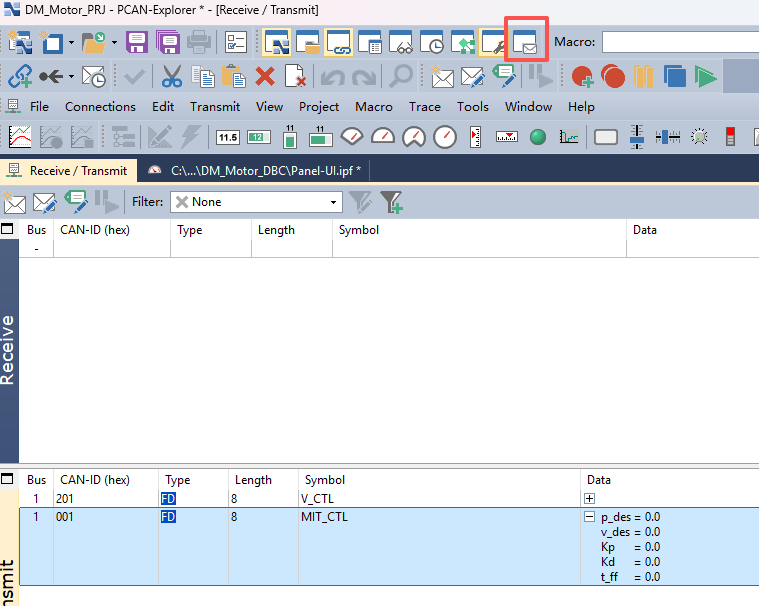
Open the Plot1.plt file in the project to view motor status curves.